


Migration to the ORBCOMM Transport Platform
ORBCOMM is transitioning from Cold Chain View to the new ORBCOMM Transport Platform.
Your data will be transferred to the new environment. To ensure a smooth transition, there are several settings that you should check or configure again after the migration.
Go to ORBCOMM Transport Platform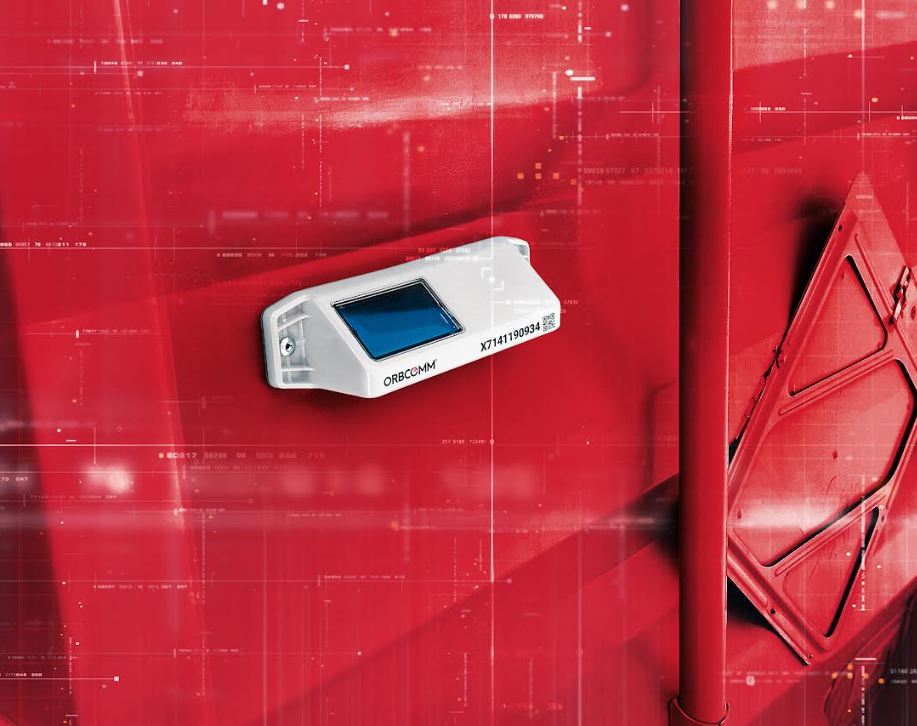
Your ORBCOMM environment is moving from Cold Chain View to the ORBCOMM Transport Platform.
You will receive the required account details to access the new environment.
After the migration, check users, reports and alarm notifications, among other settings.
How the transition works
The migration takes place step by step so that you can continue using your monitoring during the transition.
You will receive the details required to access the ORBCOMM Transport Platform.
Check your users, reports, alarms and other relevant settings.
Cold Chain View will remain temporarily available alongside the new platform during the transition.
Once the migration has been completed, you will continue working in the ORBCOMM Transport Platform.
Check these settings
Check whether the correct users have access to the appropriate sections.
User guideCheck your existing reports and adjust them again where necessary.
Reports guideCheck whether alarms and recipients are configured correctly.
Alarm notifications guideQuestions about the migration?
If you have any questions about the transition or your settings in the new ORBCOMM platform, please contact Gullimex Support.
Your Migration to the ORBCOMM Transport Platform
Your Migration to the ORBCOMM Transport Platform
ORBCOMM is replacing the current Cold Chain View (CCV) platform with the new ORBCOMM Transport Platform (OTP). Therefore, your organisation will be migrated to this new environment in the coming period. Your account details have been sent to you by email. On this page, you will find all the information you need to ensure a smooth transition, including the steps you need to take. Gullimex will guide you throughout the entire migration process. Simply follow the steps on this page. Do you have any questions? Please contact us at support@gullimex.com.
Steps to follow
- Create users
- Setup reports
- Setup alerts
Important information
Do you need support? Or do you have any questions or comments? Please email support@gullimex.com.
Visit ORBCOMM Transport Platform
Uitgelichte case

Restaurant Joann legt de lat hoog qua beleving én qua HACCP-registratie
Het is mei 2019 wanneer Emiel Kwekkeboom en Mandy Overbeek de deuren openen van Restaurant Joann in Enschede. Met hun ruime ervaring in de horeca en wellness weten ze één ding zeker: Joann moet een fine dining restaurant zijn waarin een hoofdrol is weggelegd voor gastvrijheid. Emiel: ‘Wij willen mensen het gevoel geven dat ze thuiskomen. Dat zit ‘m in de kok die zichtbaar zijn best heeft gedaan op jouw voorgerecht. In de wijn die we aanbevelen en inderdaad perfect aansluit bij de smaken van het hoofdgerecht. Maar ook in de persoonlijke, hartelijke ontvangst door het hele team – ook de koks lopen bij ons in het restaurant mee. Wanneer de lat zo hoog ligt, is de bewaking van de kwaliteit van het eten en drinken een must. Je kunt dan niet zonder een vlekkeloze HACCP-registratie.’
Je hebt er zoveel minder omkijken naar
‘HACCP is niet alleen verplicht, maar ook voor onszelf een belangrijk onderdeel van het werk’, gaat Emiel verder. ‘Wat gebeurt er precies en waarom gebeurt dit? Als je die...
17 December, 2023

VHC Actifood wilde de temperatuurregistratie automatiseren
Het bedrijf levert diepvriesproducten en droogwaren aan onder meer: restaurants, brasseries, (eet)cafés, kantines, cafetaria’s, instellingen en cateringbedrijven. Met certificaten van HACCP en BRC laat VHC ActiFood haar klanten zien dat voedselkwaliteit en -veiligheid gegarandeerd zijn.
Temperatuurregistratie en – controle gebeurde handmatig
Bij VHC ActiFood is de temperatuur het belangrijkste punt van aandacht. De temperatuurregistratie en -controle gebeurde handmatig, wat goed ging, maar ook ruimte overliet voor menselijke fouten. Toen VHC ActiFood ging uitbreiden en ze zich wilde certificeren voor BRC was het tijd de temperatuurbewaking te automatiseren.
Temperatuurregistratie automatiseren met RmoniWeb sensoren en checklists
VHC ActiFood liet zich door Gullimex adviseren en schafte RmoniWeb sensoren en checklists aan. VHC ActiFood heeft hiermee haar hele temperatuurketen onder controle: van ontvangst goederen en warehousing tot en met transport en levering in één digitaal platform...
17 December, 2023
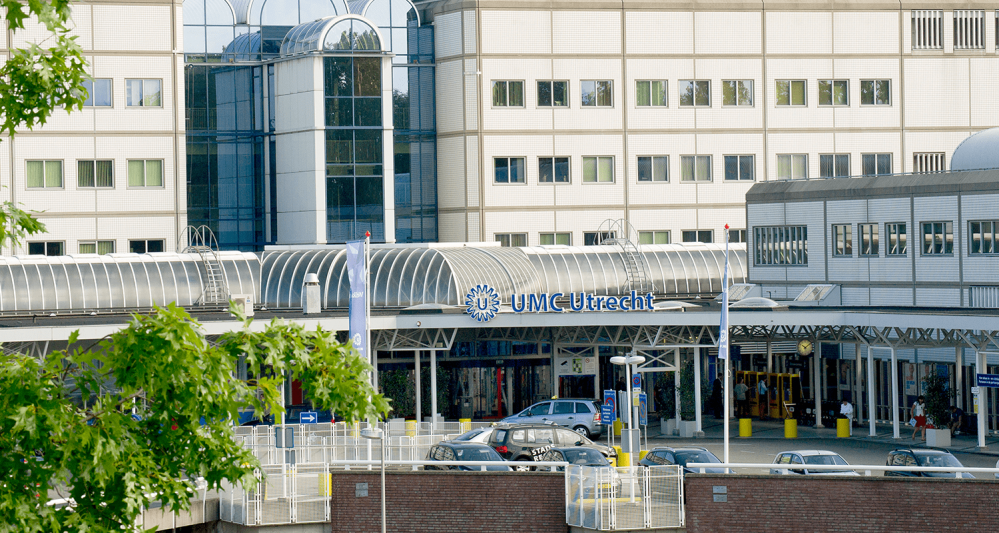
Werken met menselijk lichaamsmateriaal vereist hoge eisen en continue monitoring
Het UMC Utrecht is een publieke instelling met de volgende kerntaken: patiëntenzorg, onderzoek en onderwijs. Het UMC Utrecht heeft de taak ‘state of the art’ zorg te bieden waar bijzondere kennis en expertise voor nodig is, toonaangevend wetenschappelijk onderzoek van ‘bench tot bedside’ te verrichten en een uitstekende opleiding te bieden aan studenten, (bio)medische onderzoekers, artsen en andere zorgverleners.
Probleemstelling
De Centrale Biobank in het UMC Utrecht is opgericht om menselijk lichaamsmateriaal bestemd voor toekomstig wetenschappelijk onderzoek te verzamelen. Indien nodig te bewerken, op te slaan onder gecontroleerde omstandigheden, te beheren en vervolgens weer uit te geven voor specifiek medisch wetenschappelijk onderzoek. Dit patiëntmateriaal wordt veelal opgeslagen in -80°C vriezers of in stikstofvaten met een temperatuur van circa -180°C. Continue monitoring en bewaking van temperaturen is vanuit kwaliteitsoogpunt vereist, zodat meteen gereageerd kan worden bij storingen...
17 December, 2023